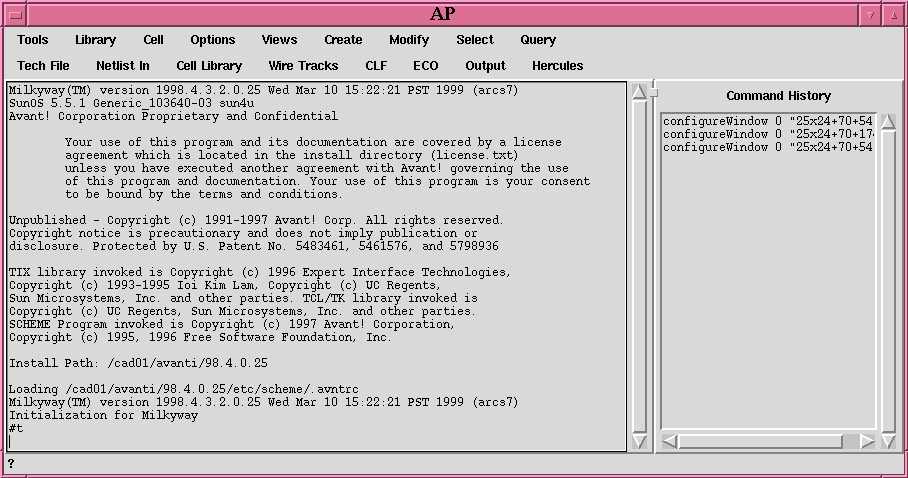
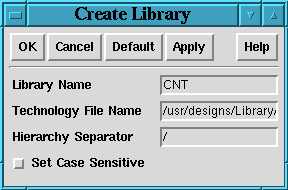
以上でOKをクリック。
     1	cmCreateLib
     2	setFormField "Create Library" "Library Name" "CNT"
     3	setFormField "Create Library" "Technology File Name" "/usr/designs/Library/RO35/EXD/avanti/rohm035apollo.tf"
     4	formOK "Create Library"
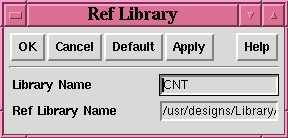
以上でApplyをクリック。
同様に配置配線IOライブラリ
を指定フルパスで指定
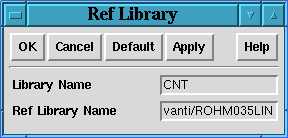
以上でOKをクリック。
     5	cmRefLib
     6	setFormField "Ref Library" "Library Name" "CNT"
     7	setFormField "Ref Library" "Ref Library Name" "/usr/designs/Library/RO35/EXD/avanti/ROHM035IOLIN"
     8	formApply "Ref Library"
     9	setFormField "Ref Library" "Ref Library Name" "/usr/designs/Library/RO35/EXD/avanti/ROHM035LIN"
    10	formOK "Ref Library"
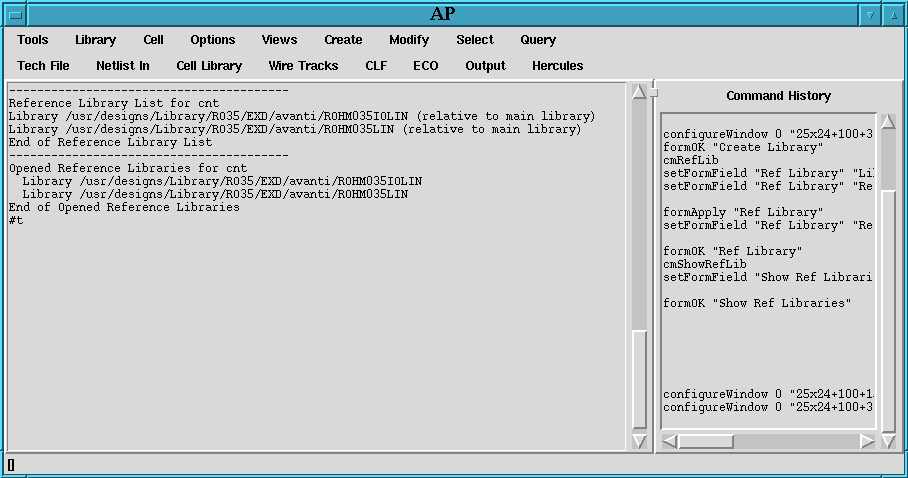
以上でOKをクリックするとメインウインドに参照ライブラリの一覧が表示されるので、確認する
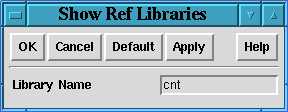
    11	cmShowRefLib
    12	setFormField "Show Ref Libraries" "Library Name" "cnt"
    13	formOK "Show Ref Libraries"
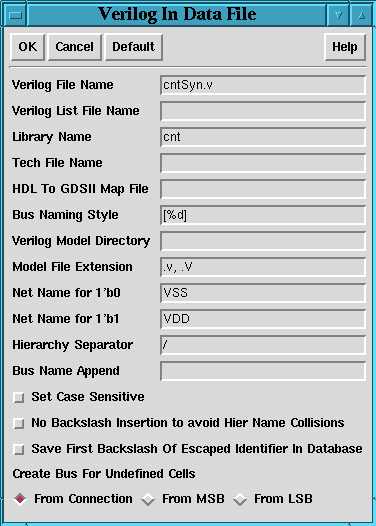
以上でOKをクリックする。
    14	auVerilogIn
    15	setFormField "Verilog In Data File" "Verilog File Name" "cntSyn.v"
    16	setFormField "Verilog In Data File" "Library Name" "cnt"
    17	setFormField "Verilog In Data File" "Bus Naming Style" "\[%d\]"
    18	formOK "Verilog In Data File"
Library Name にライブラリ名:CNT, Unexpanded Cell Name: counter.netl 最上位モジュールの名前を入力する。拡張子は必ず .netlとする, Expanded Cell Name: ここでは cntexp.netl 適当に入力する。拡張子は必ず .netlとする。
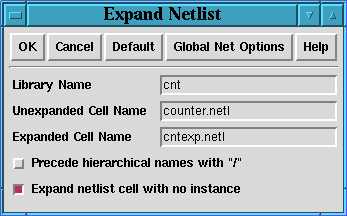
以上でOKをクリックする。
    19	cmCmdExpand
    20	setFormField "Expand Netlist" "Library Name" "cnt"
    21	setFormField "Expand Netlist" "Unexpanded Cell Name" "counter.netl"
    22	setFormField "Expand Netlist" "Expanded Cell Name" "cntexp.netl"
    23	formOK "Expand Netlist"
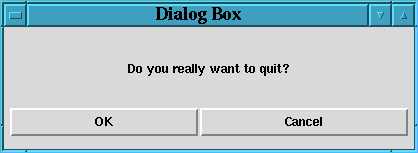
OKをクリックする。
    24	menuQuit
    25	formYes "Dialog Box"